Neat Scanner Software Replacement for NeatDesk and NeatReceipts Scanners, Receipts to Excel and QuickBooks
Your NeatDesk or NeatReceipts scanner still scans. What went away with the old Neat desktop software was the part that read each receipt into vendor, date, tax and total. Scan with any free scanning app, upload the files here, and download the rows.
Accepts PDF, JPG, PNG, BMP, HEIC and TIFF
Upload your receipts and invoices
Drop files here or click to upload
Upload failed, please try again
Up to 50 files
Uploading...
What Happened to the Neat Scanner Software
Neat moved to a cloud subscription years ago and left the hardware business. The scanners on thousands of US desks outlived the software that made them useful, which is why people search for a replacement.
The Old Desktop Software Is Gone
Neat retired its desktop software in 2016. The install links are no longer available, it is not supported, and Neat warns it may stop working after an operating system update. A new PC means no NeatWorks.
The Scanners Are Out of Warranty
Neat exited the scanner market in July 2017, and every Neat scanner has been out of warranty since July 2018. Neat still offers Windows and Mac drivers and says it will do so for as long as possible.
The Free App Scans, It Does Not Do Your Books
The current Neat Desktop app is free and saves scans to your computer without a subscription. Categorizing receipts, syncing to QuickBooks and building reports are part of the paid Neat account.
A Yearly Plan to Read Receipts
Neat costs $200 a year, with VIP Service and Automated Insights sold as add ons. That is fair for a year round filing cabinet and a lot for a one time backlog of old receipts.
ReceiptOCR Replaces the Reading Half of Neat
Keep the scanner. Use any free app to turn paper into PDF or JPG files, then let ReceiptOCR read them. You get the structured data the old software used to produce, in a file you own.
Any Scanner, Any Scanning App
Scans from Neat Desktop, NAPS2, Windows Fax and Scan or Apple Image Capture all work. So do phone photos and emailed PDFs, so nothing depends on one piece of hardware.
Batch Upload of a Whole Stack
Upload up to 50 files at once, including multi page PDFs with up to 25 pages each. A shoebox scanned into a few PDFs becomes one upload and one export.
Every Line Item, Not Just Totals
Vendor, date, sales tax, tip and total come out alongside each line with description, quantity, unit price and amount, on every plan.
Excel, CSV and QuickBooks Files
Download XLSX or CSV for your own workbook, or a QuickBooks import file. It works with QuickBooks Desktop too, which the Neat integration does not cover.
Pay for the Month You Need
Starter is $49 a month billed monthly or $24 a month billed yearly, with 2,500 pages a month on the faster model. Clear a backlog in one month and cancel.
Columns That Match Your Books
Set up extraction templates so the export lands in the column order your chart of accounts or your accountant already uses.
How to Use a Neat Scanner With ReceiptOCR
Plan on about ten minutes of setup the first time. After that, a stack of receipts is a scan, an upload and a download.
Install the Driver and a Scanning App
Download the driver for your Neat model from the Neat HelpCenter, then install the free Neat Desktop app or NAPS2 on Windows. On a Mac, Neat Desktop or Apple Image Capture both work.
Tip: Neat scanners connect by USB. On a NeatConnect, set the scan destination to Computer on the touchscreen.
Scan the Receipts to PDF
Scan at 300 dpi in color or grayscale and save to a folder. One receipt per page reads most reliably, and a multi page PDF of a month is fine.
Upload the Folder
Drop the PDFs into ReceiptOCR in one batch and choose the fields you want: vendor, date, tax, total, category and line items.
Export to Excel, CSV or QuickBooks
Check the rows flagged for review, then download the spreadsheet or the QuickBooks file and import it into your books.
Neat Scanner Software Options Compared
Every realistic way to keep using a Neat scanner, with what each one costs and what it actually does with the receipt.
A Drawer of Old Receipts
You stopped scanning when NeatWorks broke and now need a year of receipts in a spreadsheet for your accountant. That is one month of Starter, not a yearly plan.
QuickBooks Desktop Users
Neat syncs with QuickBooks Online only. If your books live in QuickBooks Desktop, a file export you import yourself is the practical route.
Bookkeepers With a Neat on the Desk
Clients still drop off envelopes of paper. Scanning them on the old Neat and batch extracting is faster than retyping totals.
Contractors Who Job Cost
Supplier receipts from lumber yards and hardware stores carry twenty lines each. You need those lines per job, not just the total.
The short answer: your Neat scanner still works with the free Neat Desktop app or with NAPS2, but neither one turns a receipt into bookkeeping data. For that you either pay Neat $200 a year for its cloud account, or you upload the scans to a receipt extractor like ReceiptOCR and download Excel, CSV or QuickBooks rows.
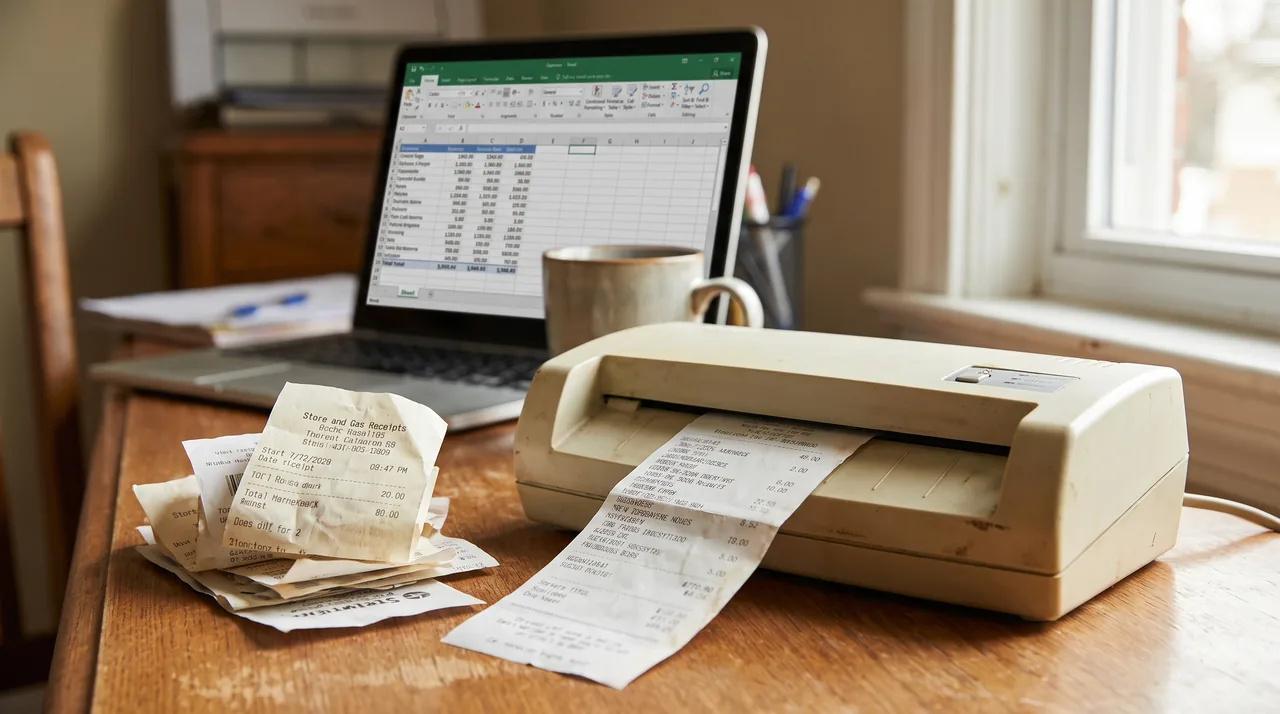
Your options for Neat scanner software
| Option | Cost | Scans with a Neat scanner | Reads vendor, date and total | QuickBooks | Best for |
|---|---|---|---|---|---|
| Neat Desktop app, no subscription | Free | Yes, Neat and any TWAIN scanner | No, saves image and PDF files | No | Scanning to a folder |
| Neat Desktop app with a Neat account | $200 a year, add ons extra | Yes | Yes, in the Neat cloud | QuickBooks Online sync | A year round document archive |
| NAPS2 on Windows | Free | Yes, with the Neat driver | No, makes searchable PDFs | No | Clean PDFs on Windows 10 and 11 |
| Windows Fax and Scan or Apple Image Capture | Built in | Yes, with the Neat driver | No | No | Occasional single scans |
| Retired NeatWorks or Neat 5 | No fee, no longer installable | Only on machines that still run it | Yes, locally | Old export formats | Nobody setting up a new computer |
| Any scanning app plus ReceiptOCR | $49 monthly or $24 a month yearly | Yes, upload the scans | Yes, with every line item | Import file for Online and Desktop | Backlogs and batches of receipts |
Neat facts in this table come from the Neat HelpCenter and the neat.com pricing page. Where Neat is the better buy, we say so below.
Can I use my Neat scanner without Neat software?
Yes. Neat states that its scanners work with third party TWAIN software once the driver for your model is installed. On Windows it points to NAPS2 and Windows Fax and Scan, and on a Mac to Apple Image Capture. Those apps give you image or PDF files. To get vendor, date and amount out of them, upload the files to an extractor such as our bulk receipt scanner.
Is Neat scanner software free?
The current Neat Desktop app is free to download, and you can scan and save files to your own computer without a subscription. The features that made the old software worth having, organizing receipts, extracting their data and syncing to QuickBooks Online, are part of the paid Neat plan at $200 a year.
Does Neat still support their scanners?
Only partly. Neat stopped selling scanners in July 2017 and every model has been out of warranty since July 2018. Neat still publishes Windows and Mac drivers and says it will keep offering them for as long as possible, so most NeatDesk and NeatReceipts units keep working with a current scanning app.
Can I still download NeatWorks?
No. Neat lists its retired desktop versions as unsupported and says the installation links are no longer available. If an old copy still runs on one of your machines it needs no subscription, but Neat warns it may break after an operating system update and cannot guarantee your data. Export what it holds while it still opens.
Neat subscription or ReceiptOCR, which costs less?
This is our arithmetic from published prices. If you want a searchable archive of receipts, bills, statements and checks all year, Neat at $200 a year is cheaper than ReceiptOCR Starter on yearly billing at $288. If you have a backlog to clear once, one month of Starter at $49 costs a quarter of a Neat year and returns every line item. If your books are in QuickBooks Desktop, Neat does not sync there at all.
| Your situation | Neat | ReceiptOCR | Better buy |
|---|---|---|---|
| One time backlog of 1,000 receipts | $200 for a year | $49 for one month | ReceiptOCR |
| Year round archive of every document type | $200 a year | $288 a year on yearly billing | Neat |
| Books in QuickBooks Desktop | No sync | Import file | ReceiptOCR |
| Need each line on the receipt | Header fields | Every line item | ReceiptOCR |
Weighing the Neat subscription against the reader that already comes with your accounting software? We compare them in Neat vs QuickBooks for receipts and pricing. If you are replacing the whole Neat account rather than just the scanner software, start with our Neat alternative comparison.
Where ReceiptOCR Wins and Where Neat Does
Security & Privacy
- Wins: batch extraction with line items from any scanner or phone
- Wins: QuickBooks Desktop import and month to month billing
- Neat wins: a cheaper year round archive for bills, statements and checks
- Encrypted in transit, never sold or used for training
Neat Scanner Software Questions
Yes. The free Neat Desktop app scans and saves files to your computer with no subscription, and NAPS2 or Apple Image Capture work with the Neat driver. What needs a subscription is the Neat cloud account that organizes receipts and syncs them to QuickBooks Online. ReceiptOCR can read the scans instead, billed month to month.
No scanner works without some software, but it does not have to be Neat software. Install the Neat driver for your model, then scan with NAPS2 or Windows Fax and Scan on Windows, or Image Capture on a Mac. Neat confirms its scanners work with third party TWAIN software.
Neat publishes current drivers and a Neat Desktop app for Windows, and says it will keep offering drivers for as long as possible. The retired NeatWorks and Neat 5 software is a different story: it is no longer installable and Neat warns it may stop working after an operating system update.
Yes. Neat offers its Neat Desktop app for Intel Macs and for Apple Silicon M series Macs, and Neat scanners also work with Apple Image Capture once the driver is installed. The old Mac desktop software is retired and should not be relied on.
Most do. Neat stopped making scanners in 2017 and they are all out of warranty, but drivers are still published for Windows and Mac. If yours powers on and the driver installs, it will scan into Neat Desktop or NAPS2. Replacement parts and repairs are the real risk, not software.
Use two pieces. A free scanning app, Neat Desktop or NAPS2, turns paper into PDF files. ReceiptOCR then reads vendor, date, tax, total and every line item from those files and exports Excel, CSV or a QuickBooks import file. If you want a year round document archive instead, the Neat subscription is the closer fit.
The Neat plan is $200 a year on the neat.com pricing page. VIP Service adds $50 a year and Automated Insights adds $150 a year, and both require the base plan. The Neat Desktop scanning app itself is free.
Neat syncs with QuickBooks Online, not QuickBooks Desktop. If you scan on a Neat scanner and keep your books in Desktop, extract the receipts with ReceiptOCR and import the file into QuickBooks Desktop yourself.
If the old software still opens, export the data and the receipt images while you can. If it will not open, rescan the paper or use any image files you saved, then upload them to ReceiptOCR to rebuild the vendor, date, tax and total columns in a new spreadsheet.
Stop typing receipts by hand
Upload your receipts and invoices and get a clean Excel or CSV file in minutes.
Extract my receipts nowFree to try, no sign up required
Related Resources
Neat Alternative
Replacing the whole Neat subscription, not just the scanner software.
Bulk Receipt Scanner
Extract a whole stack of scanned receipts in one upload.
Digitize Receipts
Turn a paper backlog into searchable, structured records.
QuickBooks Receipt Scanner
Get receipt data into QuickBooks Online or Desktop.
Receipt to Excel Converter
Scanned receipts to a clean spreadsheet.
Shoeboxed Alternative
Receipt extraction without a scan quota.