Neat Pricing and Neat Subscription Cost With Neat Receipts Cost per Document
Neat sells one plan at $200 a year, with two optional add ons: VIP Service for $50 a year and Automated Insights for $150 a year, so the full stack is $400. The 14 day trial needs a credit card and converts to a paid plan on its own. Upload a receipt below to see line item extraction priced per page instead.
Accepts PDF, JPG, PNG, BMP, HEIC and TIFF
Upload your receipts and invoices
Drop files here or click to upload
Upload failed, please try again
Up to 50 files
Uploading...
Why the Neat Price Looks Simpler Than It Is
One plan at one yearly price is about as clear as software pricing gets. The questions that decide whether Neat is a good buy sit around that number: how you pay, what happens when the trial ends, what the add ons do, and whether a filing cabinet is the job you actually need done.
Only a Yearly Price Is Published
The Neat pricing page shows $200 a year and lists the question of monthly payment in its FAQ without a monthly price beside the plan. Neat help articles mention both monthly and yearly subscriptions, so confirm the billing term with Neat before you assume either one.
The Trial Converts Without Asking
Neat requires a credit card to start the 14 day trial. Its help center says the card is charged automatically when the trial ends and that a reminder email goes out a few days before, with no separate notice once the paid period starts.
Add Ons Double the Bill
VIP Service and Automated Insights cannot be bought on their own. Each one sits on top of the $200 plan, and taking both brings Neat to $400 a year, twice the headline price.
Old Neat Prices Still Circulate
NeatReceipts was once a scanner bundle with desktop software, and reviews from that era quote per month prices for cloud plans that no longer exist. Neat left the scanner business in July 2017, so budget from the current pricing page, not a review written for the hardware.
Filing Is Not the Same as a Spreadsheet
Neat is built as a digital filing cabinet: unlimited storage, folders, search and sharing. If what you need at the end of the month is a spreadsheet with every line item, or a QuickBooks import of a backlog, you are paying for an archive to get to a data export.
Neat Plans and What Each One Includes
Neat lists one platform plan and two add ons on its pricing page, all in US dollars and all billed per year. The add ons are marked as unavailable without a Neat subscription.
Neat at $200 a Year
The core platform. Neat lists unlimited file storage, data capture with human verification, expense tracking, search and filtering, file sharing and collaboration, bank level encryption, access from anywhere, and unlimited email and chat support.
VIP Service for $50 More a Year
A support upgrade sold only on top of the Neat plan. It is the add on for owners who want help setting up and running the account rather than learning it from the help center alone.
Automated Insights for $150 More a Year
A reporting add on that connects to financial institutions for expanded reporting. Like VIP Service it requires an active Neat subscription and is not sold separately.
Works With TWAIN Scanners
Neat states that its Desktop App works with any TWAIN compliant scanner, which covers most scanners on sale today. Neat brand scanners are no longer sold, and their drivers are offered for as long as Neat can support them.
QuickBooks Sync Included
Neat describes sending expense data to QuickBooks with images of receipts and invoices attached, after you map expenses once to match your QuickBooks setup. That integration is listed on the main plan.
Several Users on One Account
Neat says one account can have multiple users and that you can share files and folders with people who do not use Neat, which suits a small business sharing records with its accountant.
How to Work Out Your Real Neat Cost in Four Steps
The plan is fixed, so the useful arithmetic is about add ons, document volume and what you need to get out of the receipts.
Decide Which Add Ons You Would Really Use
Most small businesses start on the $200 plan alone. Add $50 if you want VIP Service and $150 if you want the Automated Insights reporting, then use that yearly total, not the headline price.
Tip: Both add ons are listed as requiring a Neat subscription, so there is no way to buy them without the base plan.
Count a Year of Documents
Pull twelve months of card and bank activity and count every transaction that should have a receipt or invoice behind it. Divide your yearly Neat total by that number to get a cost per document you can compare.
Write Down the Output You Need
If the goal is a searchable archive for the IRS, Neat covers it. If the goal is a spreadsheet with item level detail, a Schedule C summary, or a batch import into QuickBooks, check that the tool you pay for produces that file directly.
Price the Same Work per Page
If your receipts already exist as photos or PDFs, price the extraction job on its own. A per page plan charges for pages processed and returns Excel, CSV or a QuickBooks file in one pass, which is the comparison in the tables below.
Neat Pricing Tables and Cost Per Receipt
Plan prices come from the Neat pricing page and trial terms from the Neat help center. The cost per document figures are our own arithmetic from those published prices, shown in full so you can check them.
Owners Who Want One Archive
You want every bill, receipt and statement searchable in one place for a flat yearly fee. Neat at $200 is priced for exactly that.
Former NeatReceipts Users
Your old scanner and desktop software are out of support. The question is whether to buy the cloud plan or keep the scanner and send the files somewhere else.
People Who Need the Data, Not the Files
You want a spreadsheet of vendors, dates, tax and line items for taxes or bookkeeping. Per page extraction usually fits that job better than a filing subscription.
Bookkeepers Catching Up a Backlog
A client hands you a box of receipts once a year. You need them processed in a batch and exported, not filed one at a time.
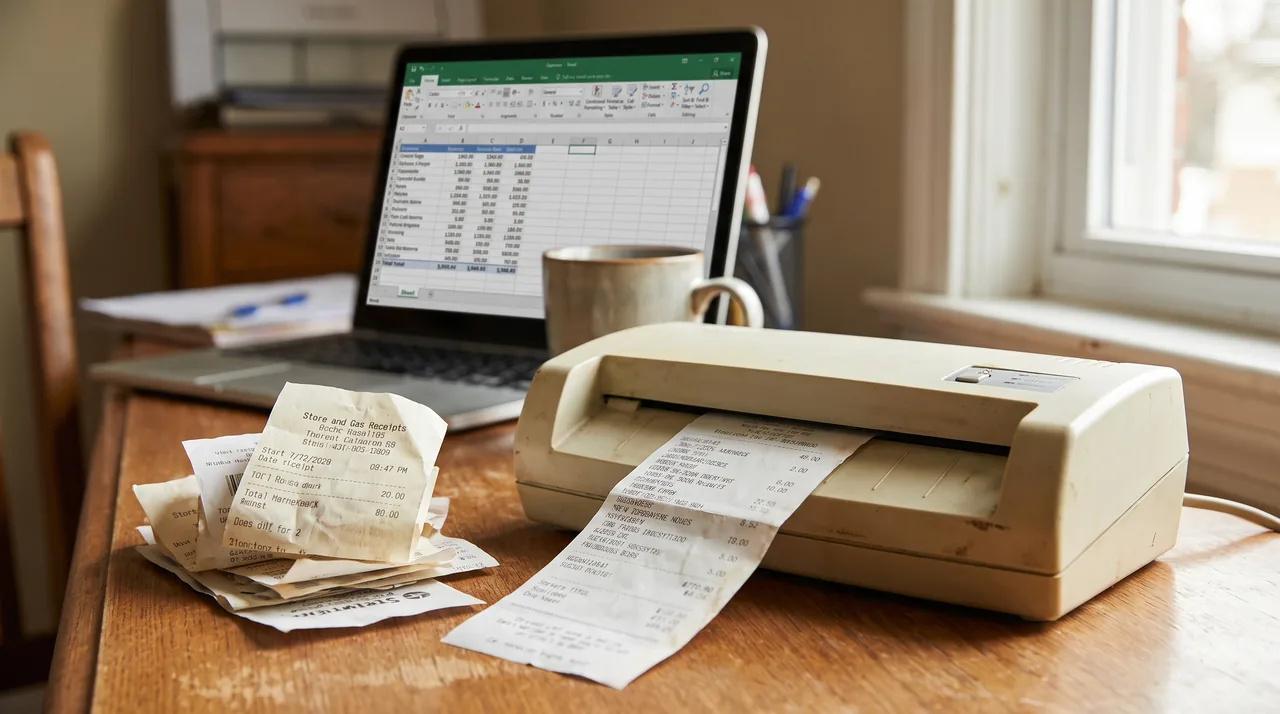
Neat plans and prices
This is the full Neat rate card as shown on its pricing page. Every price is a yearly figure in US dollars, and the monthly equivalent is our division by twelve.
| Item | Price per year | Monthly equivalent | Sold on its own |
|---|---|---|---|
| Neat platform plan | $200 | $16.67 | Yes |
| VIP Service add on | $50 | $4.17 | No, needs a Neat subscription |
| Automated Insights add on | $150 | $12.50 | No, needs a Neat subscription |
| Neat with both add ons | $400 | $33.33 | Three separate purchases |
The pricing page does not publish a document cap for the Neat plan, and it lists unlimited file storage. That flat price is the strongest thing about Neat: the more you scan, the cheaper each document gets.
Neat trial and billing terms
| Term | What Neat says |
|---|---|
| Trial length | 14 days with the features of the plan you choose |
| Card needed for the trial | Yes, a credit card is required to sign up |
| End of trial | Converts automatically to the plan you trialed and charges the card |
| Reminder before charging | An email a few days before conversion, no separate notice after |
| Upgrading early | Allowed, with the remaining trial days added to the subscription |
| Billing period | Pricing page shows yearly prices; help articles mention monthly or yearly subscriptions |
Neat cost per receipt
Divide the yearly price by the documents you process in a year. This is our arithmetic from the published prices, not a Neat figure, and it assumes one page receipts.
| Option | Per year | 300 documents a year | 1,200 a year | 6,000 a year |
|---|---|---|---|---|
| Neat plan alone | $200 | $0.67 | $0.17 | $0.033 |
| Neat with both add ons | $400 | $1.33 | $0.33 | $0.067 |
| ReceiptOCR Starter, billed yearly | $288 | $0.96 | $0.24 | $0.048 |
| ReceiptOCR Starter, billed monthly | $588 | $1.96 | $0.49 | $0.098 |
On cost per document alone, the Neat plan without add ons is cheaper than our Starter plan at every volume in this table, and we would rather say so than hide it. Our Starter plan covers up to 2,500 pages a month on the faster model, or 500 on the higher accuracy model, so the gap only closes for very large batches. The difference worth paying for is what comes out the other end.
Neat against ReceiptOCR, honestly
These two tools overlap on reading receipts and differ on what they are for. Neat is an archive that also captures data. We are an extraction tool that turns receipts into rows.
| Question | Neat | ReceiptOCR |
|---|---|---|
| Long term document storage and folders | Yes, unlimited storage is the core | No, we are not a filing cabinet |
| Scan straight from a desktop scanner | Yes, TWAIN scanners via the Desktop App | Upload the files your scanner saves |
| Line items from itemized receipts and invoices | Not listed on the plan page | Yes, on every paid plan |
| Batch upload of a backlog | Upload, email or scan into the app | Up to 50 files at once, multi page PDFs |
| Spreadsheet output | Reports and exports inside the app | Excel and CSV files with one row per receipt or line |
| QuickBooks | Sync with receipt images attached | QBO file export |
| Card needed to start | Yes, for the 14 day trial | No card to sign up |
| Entry price | $200 a year | $49 a month, or $24 a month billed yearly |
If you want one flat fee to keep every receipt, bill and statement searchable for years, Neat is fairly priced and does work we do not do. If the receipts already exist as files and what you need is the data, whether that is a Schedule C summary, a vendor spend sheet or a QuickBooks import, our bulk receipt scanner turns a whole batch into one spreadsheet. Still running an old NeatDesk or NeatReceipts scanner? The Neat scanner software replacement guide shows how to keep the hardware and skip the subscription.
If you are leaving Neat rather than pricing it, the Neat alternative page compares the replacements, and our Neat vs Shoeboxed breakdown covers the mail in scanning route. For other flat priced receipt apps, see Foreceipt pricing and WellyBox pricing.
Every Neat Figure Traced to the Vendor
Security & Privacy
- Plan and add on prices read from the Neat pricing page
- Trial and billing terms taken from the Neat help center
- Scanner and software history taken from the Neat hardware exit notice
- Cost per receipt arithmetic shown in full so you can check it
Neat Pricing FAQ
Neat costs $200 a year for its platform plan. VIP Service adds $50 a year and Automated Insights adds $150 a year, and neither add on can be bought without the main plan. With both add ons Neat costs $400 a year, or about $33 a month.
Yes. Neat is sold as a yearly subscription to its cloud platform, and the old one time NeatReceipts desktop software is retired and no longer downloadable. Neat lists unlimited file storage on the plan, and it is worth exporting your data once a year so a copy exists outside any subscription.
NeatReceipts was the original scanner and desktop software bundle, and Neat stopped selling its own scanners in July 2017. Today the receipt features come with the Neat cloud plan at $200 a year, and Neat works with most TWAIN compliant scanners you already own.
The Neat pricing page shows yearly prices only and lists monthly payment as a question in its FAQ, while Neat help articles mention both monthly and yearly subscriptions. Check the billing options at checkout before you start the trial, because the card on file is charged when the trial ends.
Yes. Neat offers a 14 day trial with the features of the plan you pick, but it needs a credit card to start. When the trial ends the account converts to the paid plan and the card is charged, with a reminder email sent a few days before.
Neat is the platform itself, at $200 a year. VIP Service is a $50 a year support add on that sits on top of it. It does not change the features you get, so it is worth it mainly if you want hands on help setting up and running the account.
Yes. Neat lists a QuickBooks integration that sends expense data with images of the receipts and invoices attached. You sign in to QuickBooks from the Neat app, map expenses once to your QuickBooks setup, and later expenses follow the same mapping.
No. Neat exited the scanner business in July 2017 and its scanners are out of warranty. Neat says existing Neat scanners keep working with current subscriptions and that its Desktop App works with any TWAIN compliant scanner, which includes most models on sale today.
Neat is worth it if you want one flat priced archive for receipts, bills and statements and you are happy to scan them yourself. If your main need is a spreadsheet of line items or a batch import into QuickBooks, a per page extraction tool usually gets you there faster.
For archiving alone, Neat is already one of the cheapest flat priced options. For turning receipts into data, ReceiptOCR Starter is $49 a month, or $24 billed yearly, for 2,500 pages with line items and Excel, CSV or QuickBooks export, with no card needed to sign up.
Stop typing receipts by hand
Upload your receipts and invoices and get a clean Excel or CSV file in minutes.
Extract my receipts nowFree to try, no sign up required
Related Resources
Neat Alternative
Replacements for the Neat subscription, compared.
Neat Scanner Software Replacement
Keep the NeatDesk or NeatReceipts scanner, replace the software.
Bulk Receipt Scanner
Turn a whole box of receipts into one spreadsheet.
Shoeboxed Alternative
Receipt extraction without a mail in scanning plan.
WellyBox Pricing
Every WellyBox plan, cap and cost per receipt.
Foreceipt Pricing
A low cost receipt app priced per year.